Editing & publishing
How to Add Readable Captions to Short Videos
Make short-video captions accurate and easy to follow. Check timing, line breaks, contrast and placement before exporting clips for a mobile audience.
Who this is for
Creators preparing captioned tutorials, talking-head clips and podcast highlights.
Readable captions help viewers follow speech and understand the clip when listening is difficult or unavailable. Adding automatic text is the beginning of the process. You still need to check the words, timing, line breaks and position in the finished video, especially at phone size.
Caption the meaning accurately and keep the words readable without covering the evidence.
Check the words before changing the style
Compare automatic captions with the audio, paying special attention to names, numbers, abbreviations and specialist terms. A caption can look polished while saying something the speaker did not say. Check negative words and qualifications because omitting one can reverse the meaning.
Review uncertain words using the surrounding recording or your source notes. If speech is genuinely unclear, do not invent a confident transcription. Choose a clearer scene or correct the final edit with a faithful representation of the audio.
Break captions into readable units of meaning
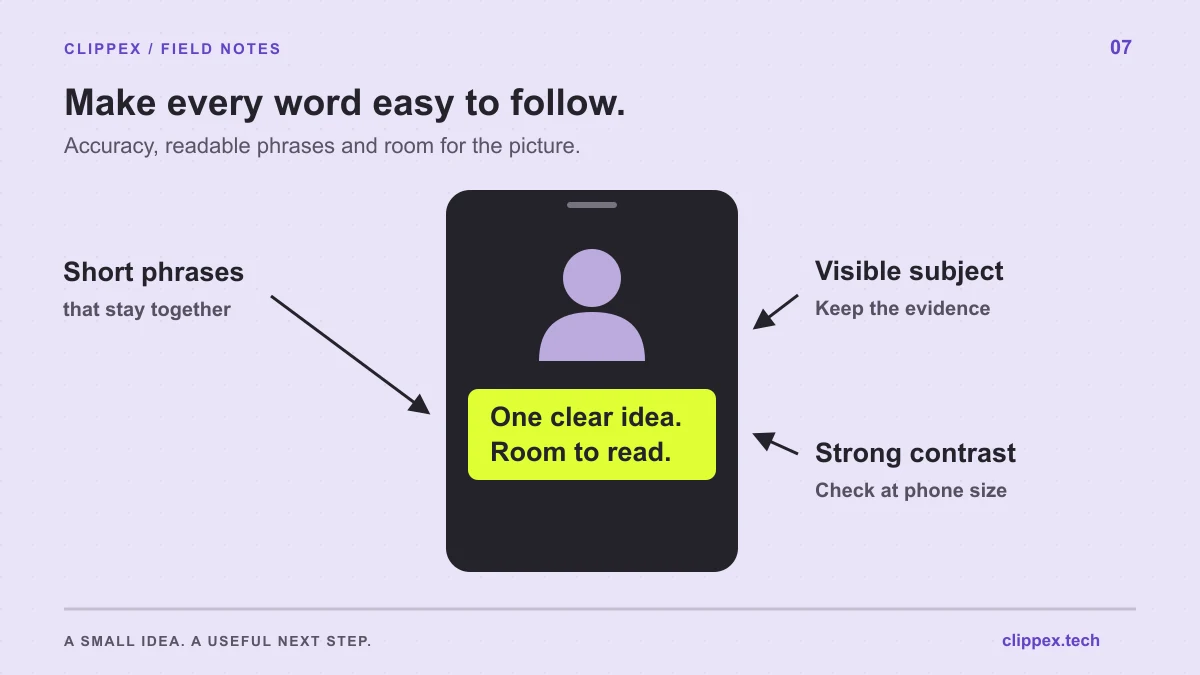
A good caption line groups words that belong together. Keep a name intact, avoid separating a number from its unit and do not force the viewer to hold a tiny fragment in memory while waiting for the next line.
As a starting point, favor short phrases and a small number of visible lines. There is no single word count that fits every font, language, frame and speaking speed. Judge the result in the exported video, where a caption's size and duration can be assessed together.
Choose a style that survives changing backgrounds
Text may move over a bright shirt, a window and a dark wall within the same clip. Choose a caption style with enough separation from those backgrounds. A suitable outline, shadow or background treatment can help, but excessive effects can make letters less distinct.
Use emphasis selectively. Highlighting a key word can direct attention, while making every word jump or change color creates more movement to process. Keep typography consistent so the viewer can focus on the explanation rather than decoding a new style in every scene.
Leave room for the subject and the publishing interface
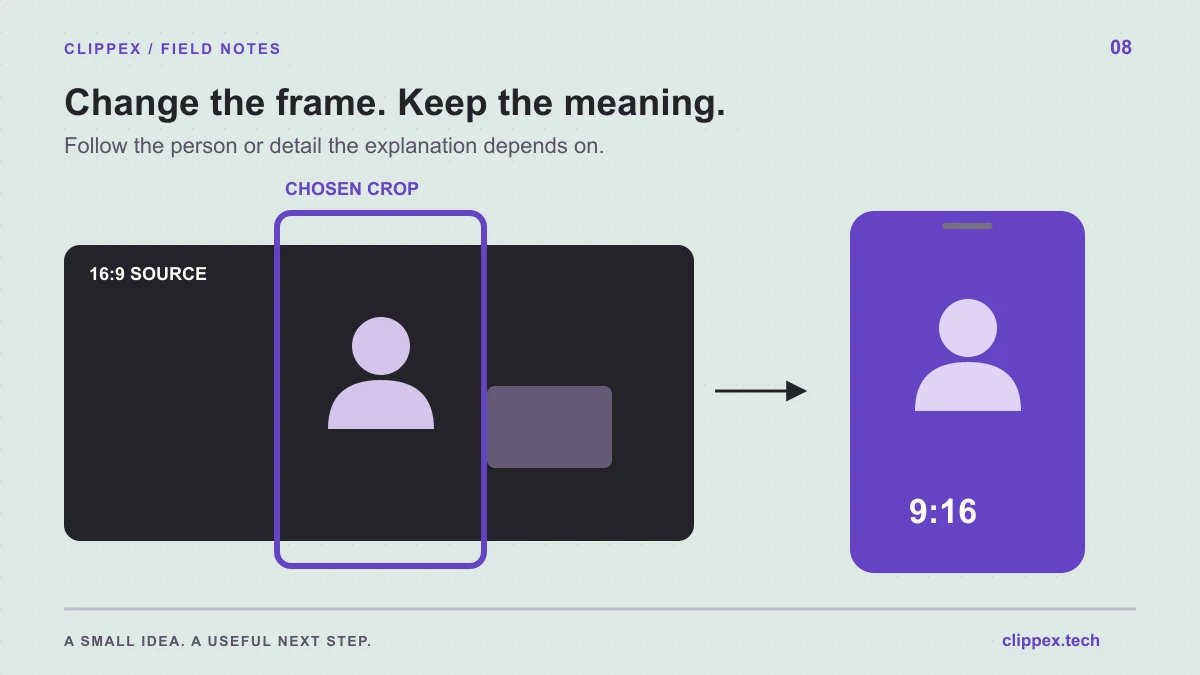
Keep captions away from important facial expressions, the object being demonstrated and any on-screen information required to understand the point. A fixed lower position is not automatically safe if the lesson involves hands or controls near the bottom of the frame.
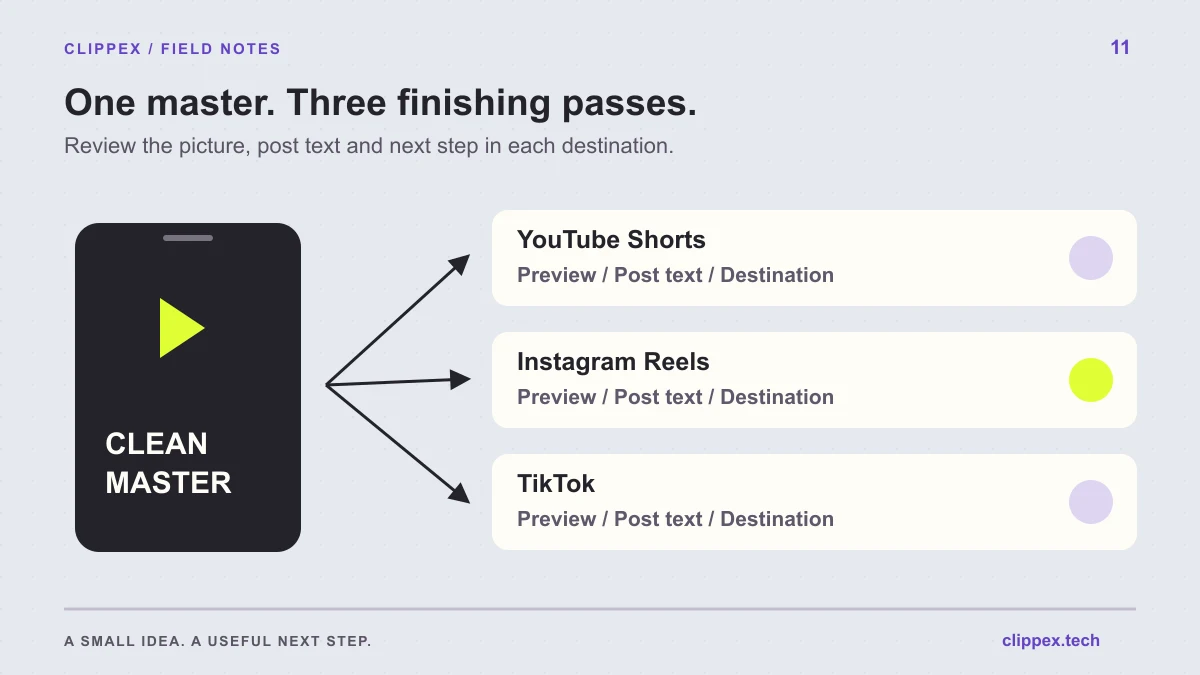
The destination platform adds its own buttons and text. Preview the uploaded video there as well as in your editing workflow. Interface layouts can vary, so treat a template as a starting point and inspect the actual post preview before publishing.
Use Clippex captions as part of the output review
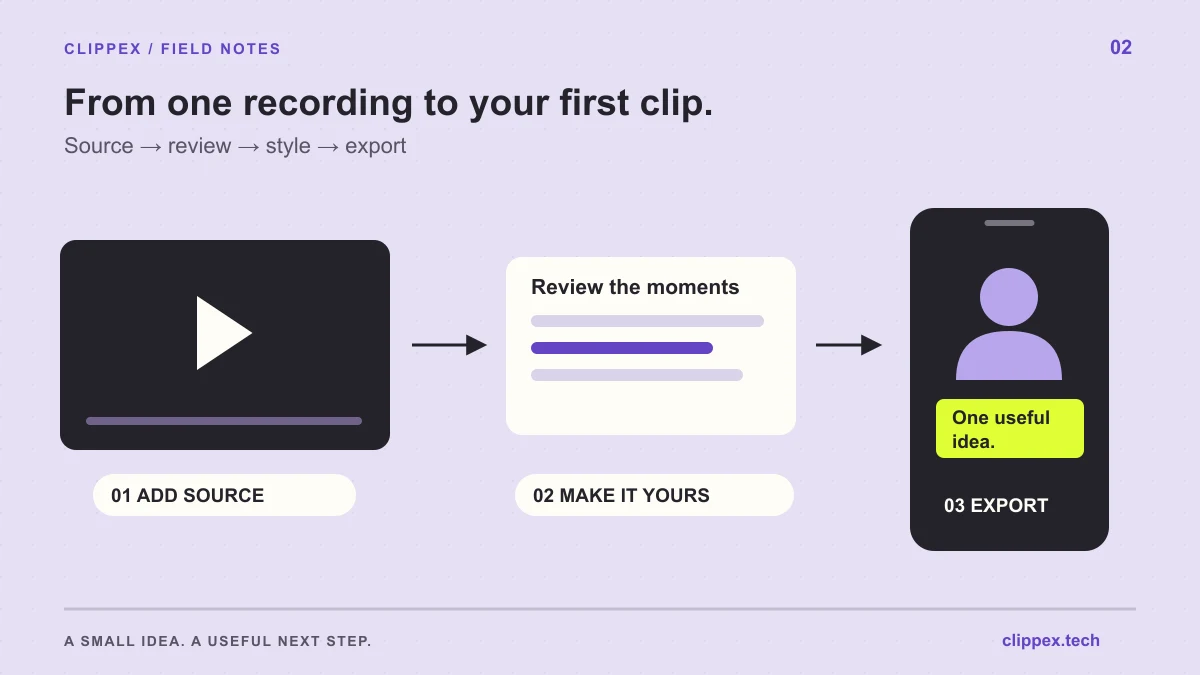
Choose a caption preset when preparing your Clippex project, along with the output format and framing. Review the rendered clips to see how the style behaves with your source. If a chosen passage has persistent transcription or readability problems, correct it in your finishing workflow or select a cleaner passage.
Watch once at normal speed with sound and once without it. With sound, check synchronization and accuracy. Without sound, check whether the sequence is understandable and whether essential information exists only in the picture. Captions of speech alone will not describe a silent demonstration.
Run a final caption check on the downloaded file
Check the exported file, not only a paused preview. Captions can become hard to read when a phrase appears too briefly, changes at an awkward cut or competes with a title. Pay extra attention to the first and last lines, which are easy to truncate when trimming.
Keep a short review list for repeat projects. Consistent checks save more time than repeatedly redesigning a caption preset. Once a style works for a particular recording setup, reuse it and review the exceptions introduced by new shots or terminology.
- Accurate words, names and numbers.
- Readable phrases at normal playback speed.
- Visible subject and necessary demonstration details.
- No collision with the destination platform's controls.
- A complete first and final caption.