Editing & publishing
How to Prepare One Video for Shorts, Reels and TikTok
Prepare a short video for YouTube Shorts, Instagram Reels and TikTok. Review framing, captions, post text and destinations before publishing each version.
Who this is for
Creators publishing their own short videos across several social platforms.
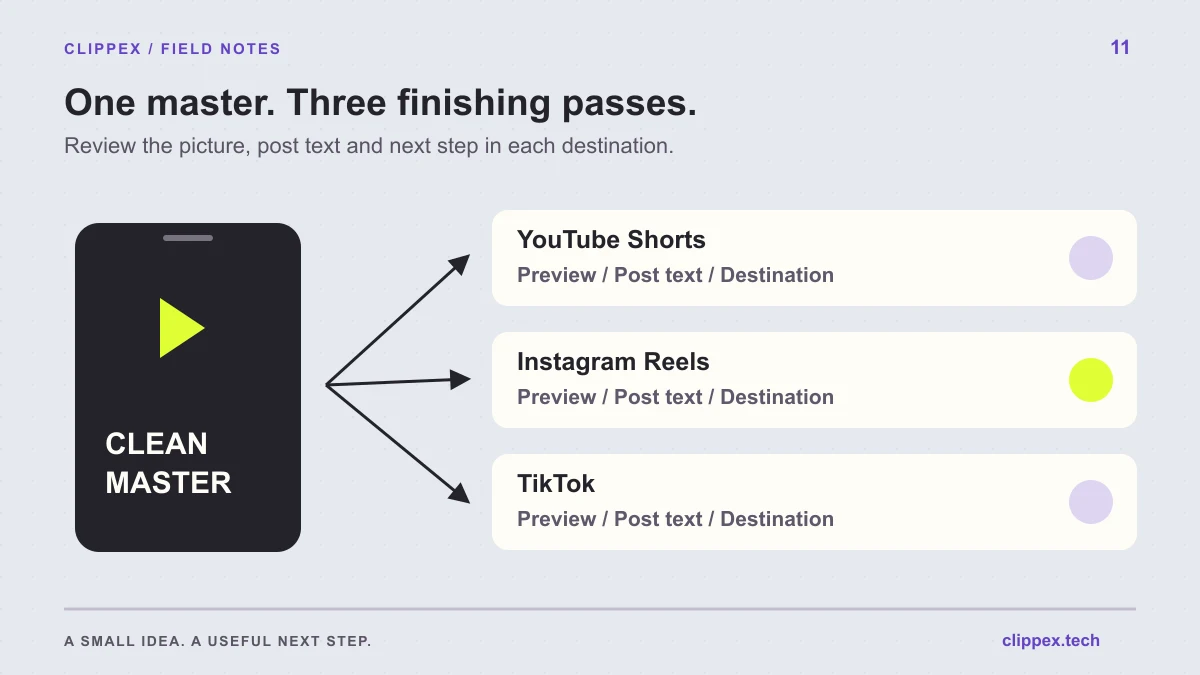
You can start with one strong short-video edit and prepare it for several publishing destinations. Keep the core idea consistent, then inspect the file, on-screen text and next step in each platform. A reusable source saves production work, while the final publishing pass makes the post understandable in its actual setting.
Reuse the core edit, but check each platform's preview, requirements and route to the next resource.
Start with a clean, complete master video
Choose a clip that makes sense independently of a particular app. It should identify the subject, deliver the answer and end cleanly. Keep a downloaded master file from your editing workflow so you can create destination-specific versions without working from a reposted copy.
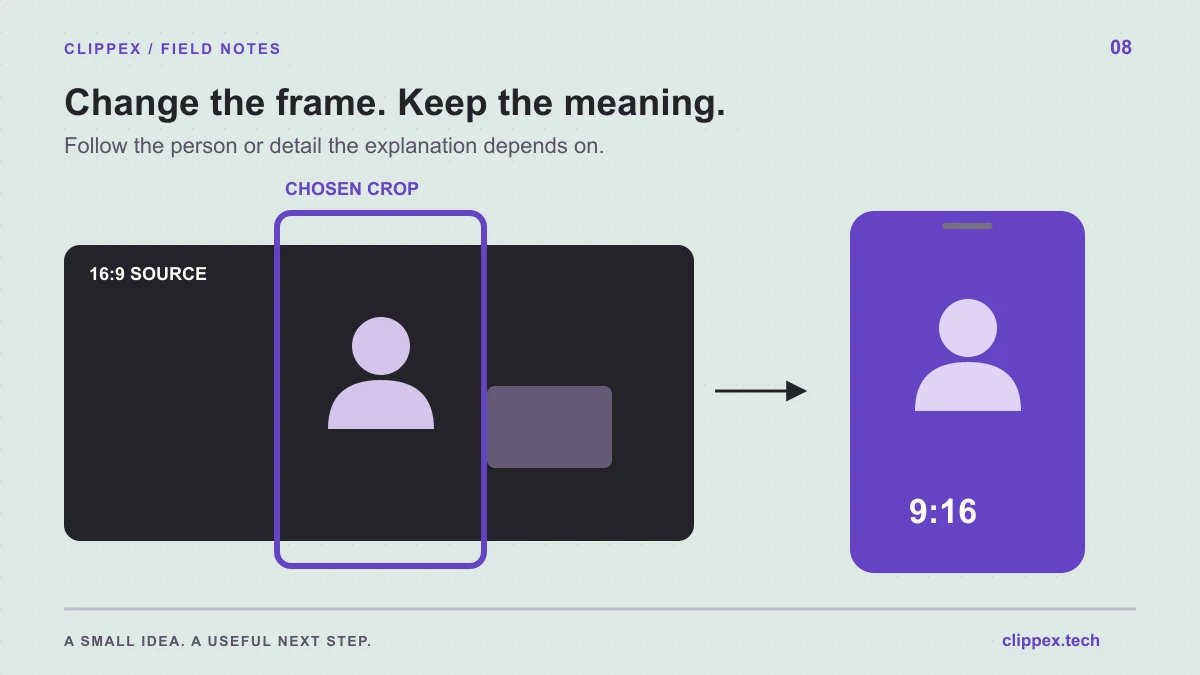
In Clippex, select the output format and caption style, review the scenes and download the clips you want to use. Vertical 9:16 is a practical starting point for vertical feeds. Keep the original recording and project notes in case a later version needs a different crop or a longer ending.
Check upload requirements when you publish
Platform rules and available features change. Check the current upload flow for duration, dimensions, file support and account-specific options instead of relying on an old universal template. YouTube's official Shorts upload guide is linked below for that destination.
Open the actual upload preview and inspect the result. Do not assume that a video accepted by one platform will have identical treatment elsewhere. The useful habit is a short verification pass for every destination, especially when you change the export settings or publish from a different account.
Preview captions under each app's interface
Feed controls, captions, descriptions and account information can cover different parts of the picture. Check that the opening text, spoken captions and important visual details remain visible after the platform adds its interface.
If a key phrase or demonstration is obscured, revise the placement or create a different version. A clip that depends on small text needs extra attention. Test the entire video, including shots where the subject moves into an area that looked empty in the first frame.
Write the title and post text for the actual clip
Describe the specific question the video answers using natural language. A post about microphone distance should say so instead of relying on broad labels such as 'creator tips.' Give enough context for someone unfamiliar with your account to recognize the topic.
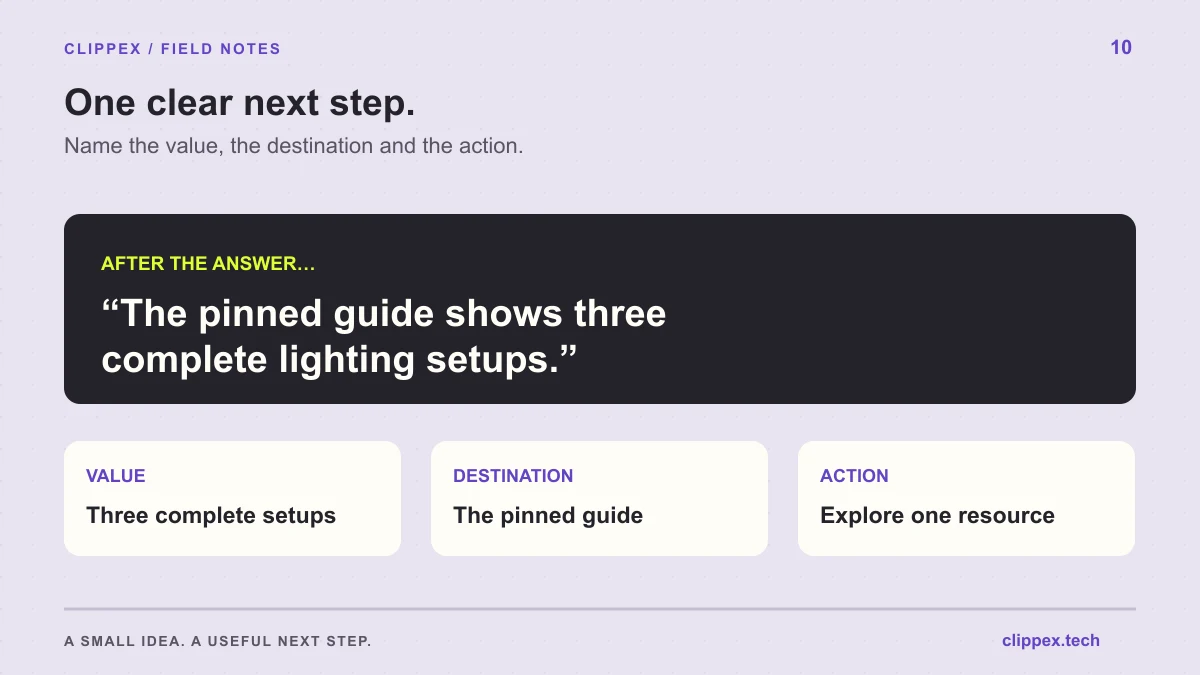
Avoid copying a caption that refers to a feature or link placement unavailable on the new platform. If you mention a pinned guide, make sure it is visible on that profile. If you mention a full episode, use a route that works for the account and platform where the viewer is watching.
Confirm the source and audio are yours to publish
Use material you own or have permission to use for the intended publication. Keep track of any music, guest footage or inserted media as you prepare the master. The ability to import a source is not evidence that you can publish it on your own channels.
When adding audio through a platform's tools, check the permissions and account restrictions shown there. Do not assume audio available in one app can be exported and reused everywhere. If you are uncertain, choose an authorized alternative for the master and verify it before publishing.
Keep a small publishing log
Record the master filename, destination, post URL, title, next step and publication date. A simple log helps you find the correct version later and understand whether results came from a different opening, a different topic or a different destination.
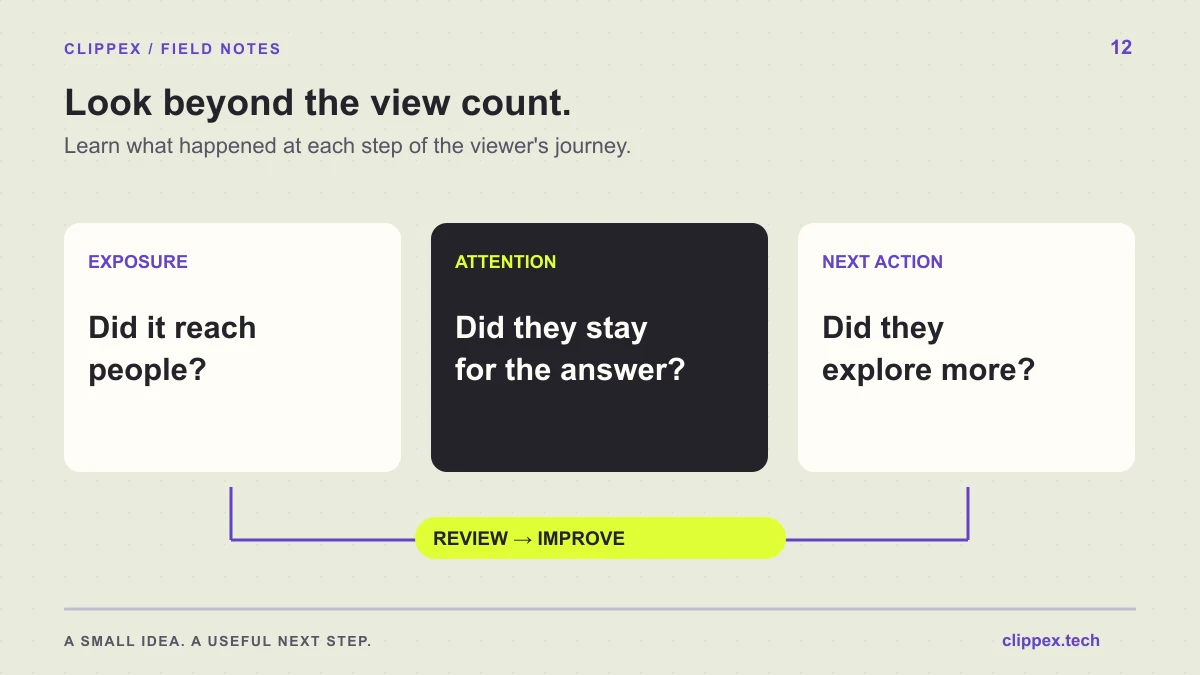
Compare performance within each platform using consistent definitions and reporting windows. View counts from different apps may not measure the same behavior. Use the cross-platform workflow to learn where your audience engages with the topic, then refine the posts that lead to useful follow-up actions.