Content strategy
How to Find the Best Moments in a Long Video
Find clip-worthy moments in interviews, webinars and long videos. Learn to spot complete answers, preserve context and review AI-selected highlights.
Who this is for
Editors and creators reviewing interviews, lessons, webinars and video archives.
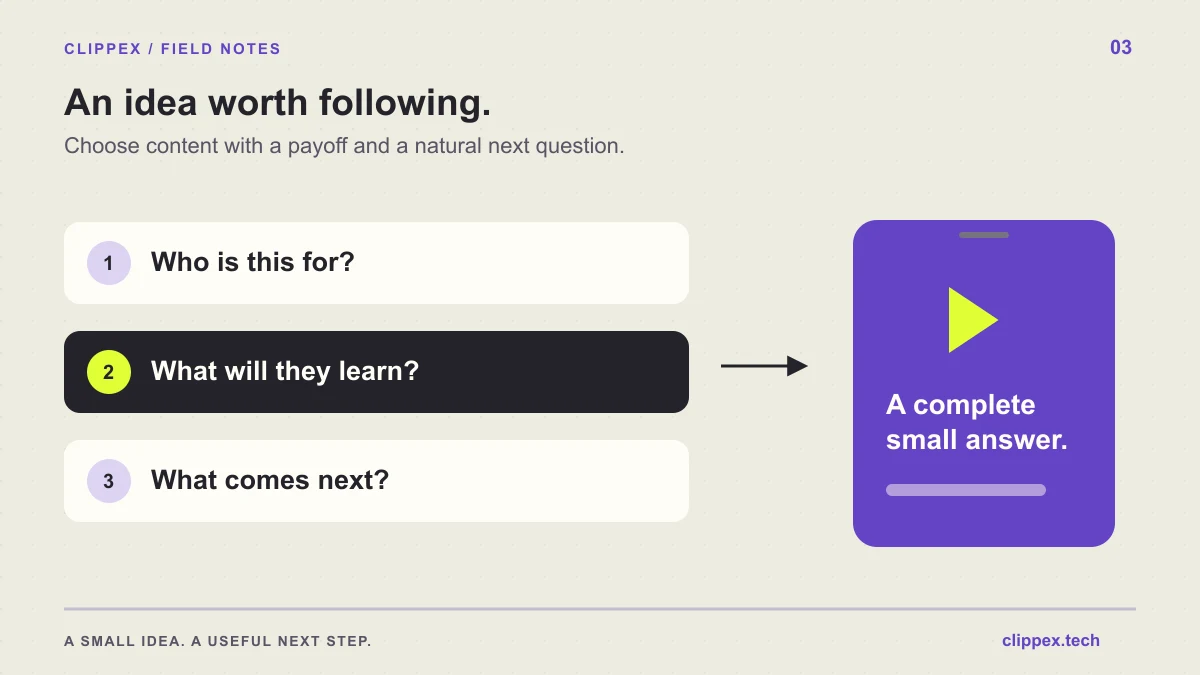
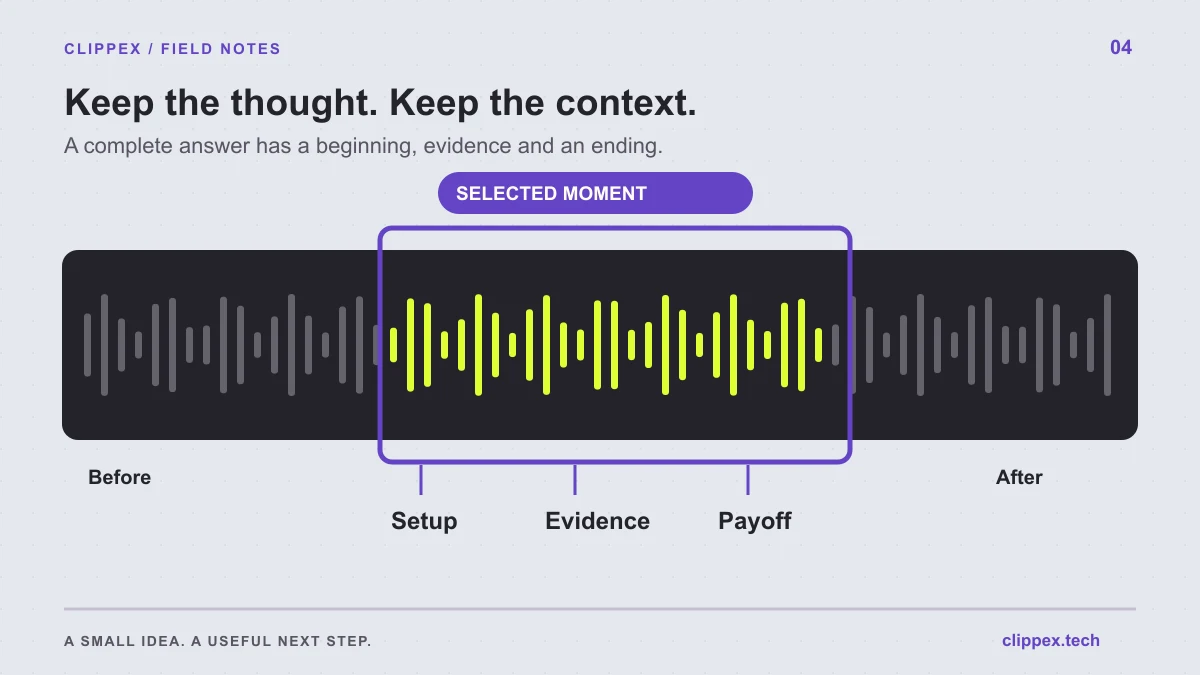
The best moment in a long video is often a complete answer hidden inside a much longer conversation. Look for a clear setup, a useful development and a satisfying finish. A loud reaction or a confident sentence may catch your eye, but a publishable clip also needs to make sense outside its original setting.
Select a complete thought, then check the sentences immediately before and after it.
Look for moments with a recognizable job
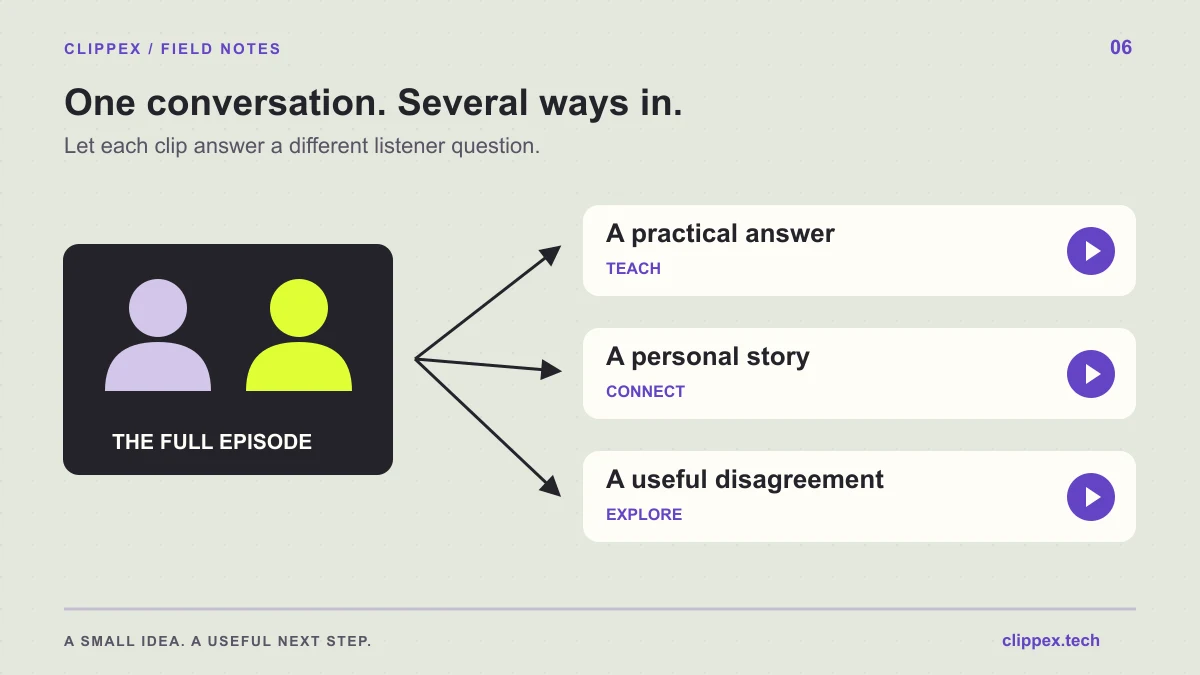
Watch for passages that answer a question, demonstrate a process, explain an unexpected result or tell a small story. These structures have a reason to begin and end. They are easier to adapt than a general discussion that keeps introducing new ideas.
A webinar speaker might explain a common mistake and show the correction. An interview guest might describe a decision, its consequence and the lesson they learned. In both cases, the clip already has an internal shape; your task is to preserve it.
- A direct answer to a question your audience already asks.
- A before-and-after demonstration with an explanation of the change.
- A misconception followed by evidence and a correction.
- A brief story with a specific outcome and a useful lesson.
Make candidate notes before committing to cuts
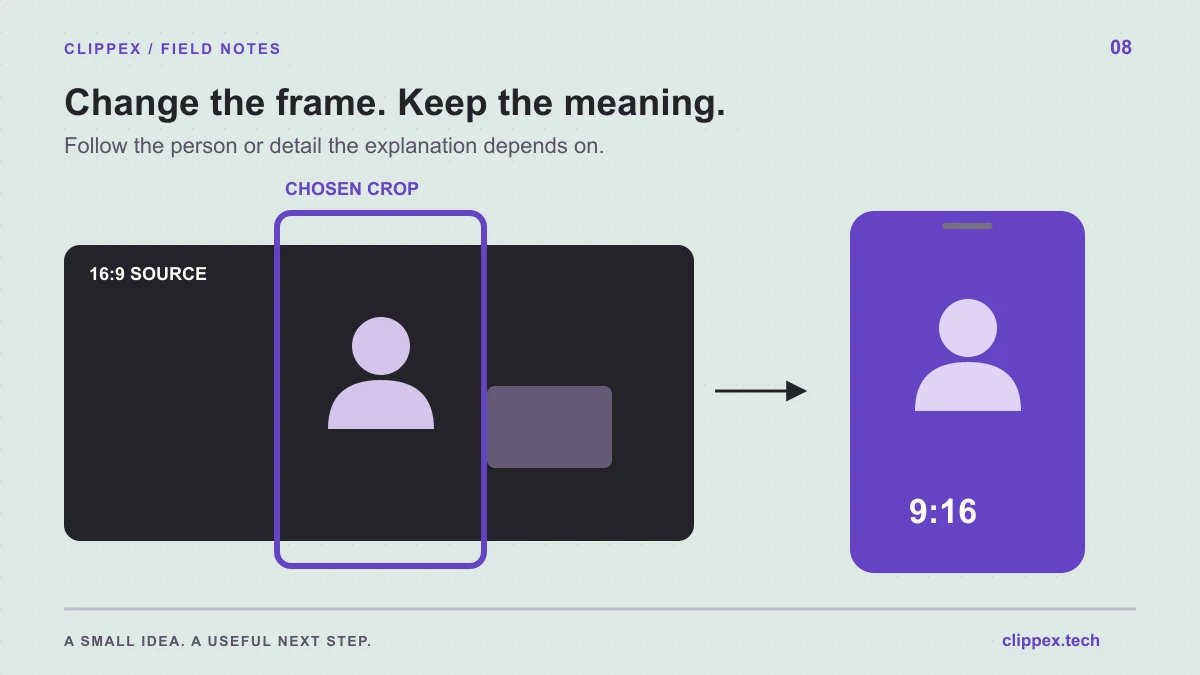
For each candidate, note the time range, the viewer question and the sentence that delivers the payoff. Add a note about any visual evidence the clip depends on. This prevents you from selecting a spoken answer whose demonstration falls outside the intended cut.
Reviewing a transcript can help you find questions and repeated topics, but return to the actual video before deciding. Tone, pauses, gestures and changes on screen may alter how a sentence should be interpreted. A transcript alone cannot tell you whether a silent demonstration remains understandable.
Choose boundaries that preserve the point
Begin where a new viewer can identify the subject. If the first line is 'That is why it failed,' you probably need an earlier sentence or a different opening. End after the answer lands, including a necessary qualification, rather than cutting immediately after the most provocative phrase.
Listen to the surrounding passage as a context check. A speaker may be describing an approach they later rejected, quoting someone else or making a claim that applies only under a specific condition. Leaving out that context can turn a concise clip into a misleading one.
Use AI scene selection as a starting point
Clippex transcribes source material and selects scenes for review. Begin with Best scenes when you want a focused first pass, then inspect the output using the same criteria you would apply to manual candidates. Wider scene selection can help explore a recording, but it also creates more review work.
Ask whether each scene supports your chosen audience question and the destination you plan to offer. A ranking can help organize attention; it cannot decide whether a guest's anecdote belongs in your educational series or whether a technical answer needs a missing diagram.
Compare candidates by usefulness, not intensity
When two clips compete, compare clarity, evidence and relevance. A dramatic statement that needs two minutes of explanation may be less useful than a calm demonstration that resolves a familiar problem in a self-contained passage.
Also check whether the candidates repeat the same point. Three clips that answer three related questions can form a useful sequence. Three versions of the same sentence may give your audience little reason to explore the rest of the series.
Watch the selected clip with fresh eyes
Preview the candidate without the full video queued beside it. Write down what someone unfamiliar with the source would learn. If you need to explain the missing background before the clip makes sense, revise the boundaries or choose another moment.
Finish by checking sound, captions and framing in the actual export. A thoughtful selection can still fail if the relevant slide is cropped away or the captions change a key term. Save your candidate notes so future edits from the same recording start with a useful map of the source.