Editing & publishing
How to Turn Podcast Episodes into Short Video Clips
Repurpose a video podcast into focused short clips. Choose standalone answers, preserve guest context and connect each clip to the full conversation.
Who this is for
Podcast hosts, producers and editors working with recorded video conversations.
To turn a podcast episode into short clips, identify the audience questions inside the conversation and give each selected answer its own edit. A good podcast clip introduces the guest's thinking, provides enough context to understand it and offers a relevant route to the full episode.
A clip should be a small conversation someone can understand before they know your show.
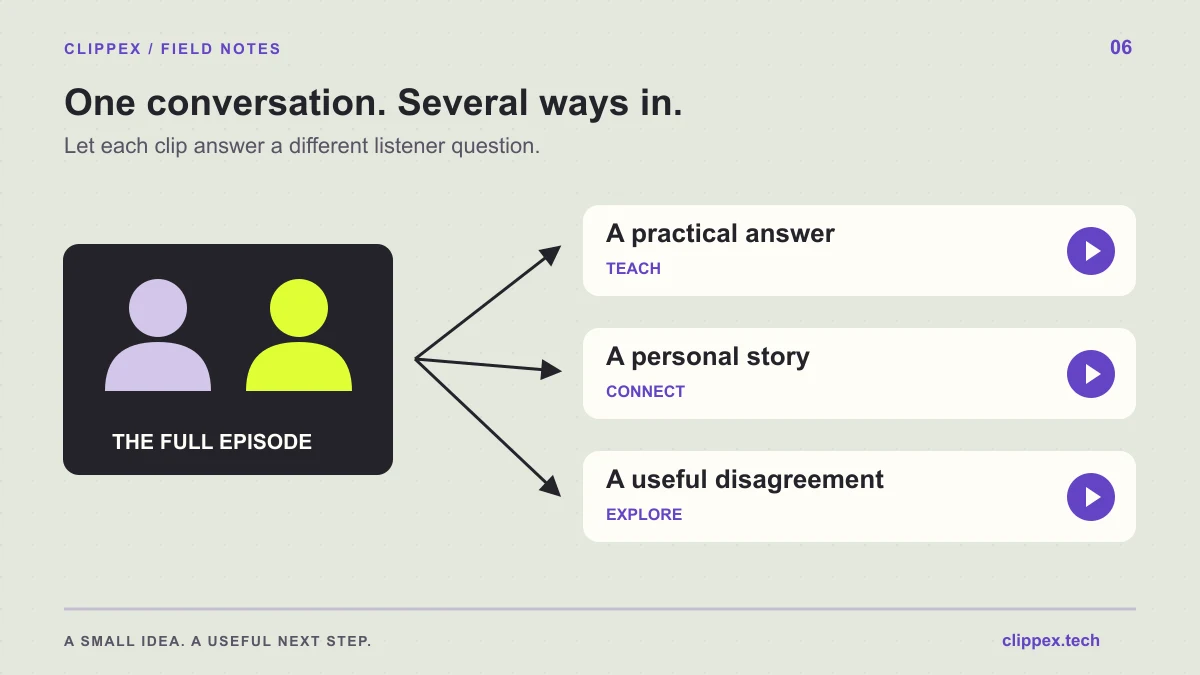
Map the episode by listener questions
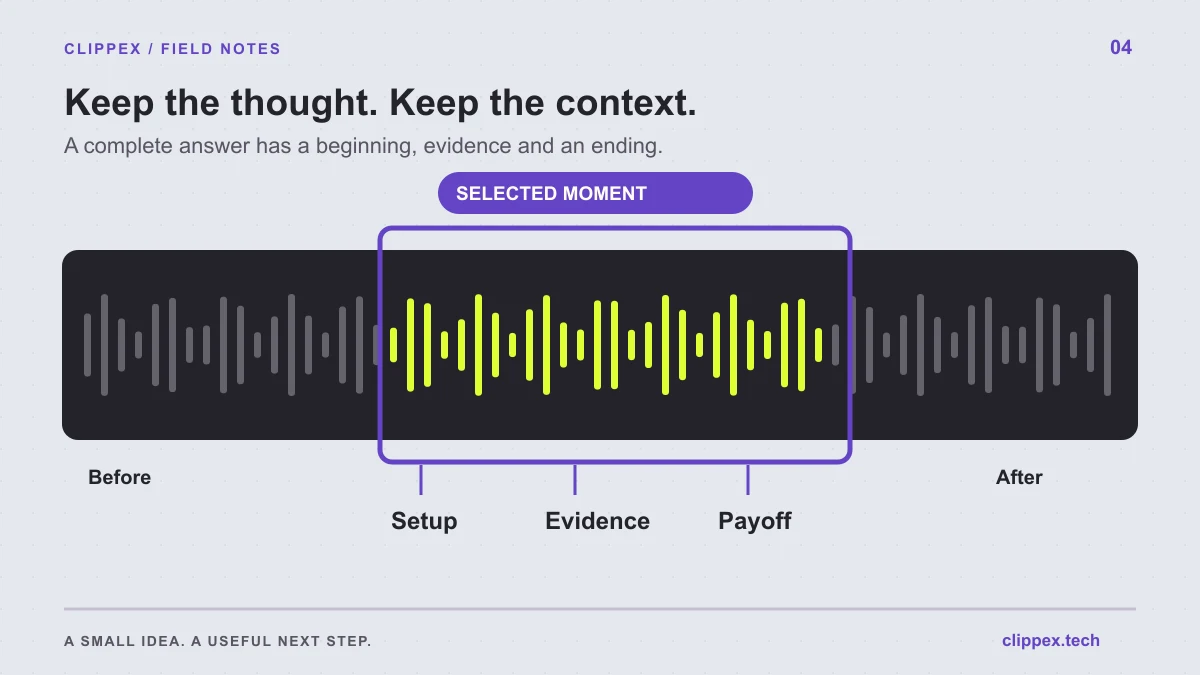
Review the episode for questions, decisions and changes of direction. A guest's story about a difficult launch might contain separate lessons about preparation, feedback and the next attempt. Treat those as possible clip topics instead of cutting the recording into equal-length pieces.
Write a brief label for each candidate: who it helps, what it answers and where the answer finishes. Select clips that reveal different parts of the conversation. This gives someone a reason to watch more than one preview without hearing the same point repeated.
Keep enough of the question to understand the answer
Some answers contain their own setup. Others start with 'Yes, absolutely' or refer to something discussed earlier. Include the host's question when it supplies necessary context, or choose a cleaner answer that can stand by itself.
Keep the meaning of the guest's position intact. If they are describing an approach that failed, do not crop away the part explaining the failure. If the lesson applies to a particular stage of their work, preserve that boundary. A short should invite interest in the conversation without misrepresenting it.
Create a first selection in Clippex
Upload your video podcast recording or import a supported public source link. Choose your caption style and output framing. Best scenes provides a focused starting point when you want to review a smaller initial selection.
After processing, check the proposed clips against your episode map. Keep scenes that make a clear point and discard duplicates or context-dependent fragments. The number of useful clips depends on the conversation; avoid forcing every recording to produce the same quota.
Frame a conversation for a small screen
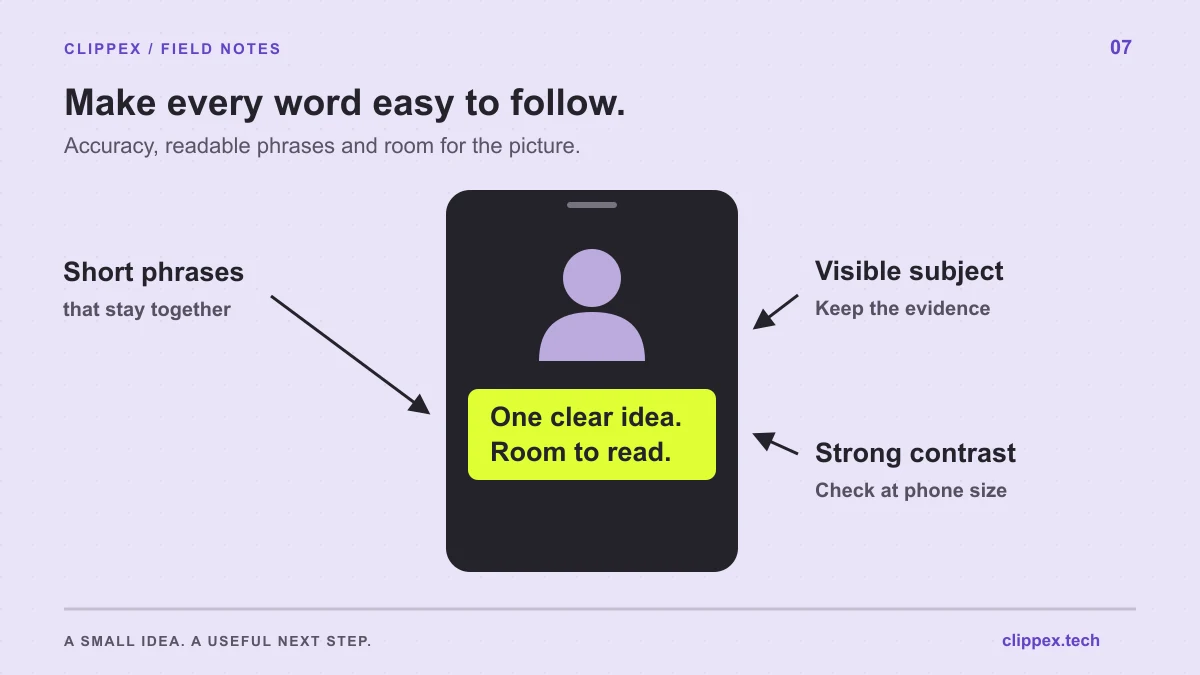
A landscape recording may place two speakers far apart. In a vertical output, review who remains visible during questions, answers and reactions. A useful reaction should support the conversation, while the person explaining a point should remain easy to identify.
Watch passages where the speaker changes or points to an object. If the automatic framing misses a necessary detail, revise the framing choices where available or use a different layout in your finishing editor. Preserve the information the viewer needs rather than treating a tight face crop as the only acceptable style.
Check names, terminology and speaker meaning
Podcast captions often contain guest names, company names, book titles and specialist language. Verify these against the recording and your episode notes. A small transcription error can change the subject of an otherwise strong answer.
Use readable caption placement and avoid filling every empty area with labels. A brief guest introduction can help a new viewer, but it should leave space for the spoken words and the faces. Watch once with sound and once without it to find different kinds of confusion.
Connect each clip to the right part of the episode
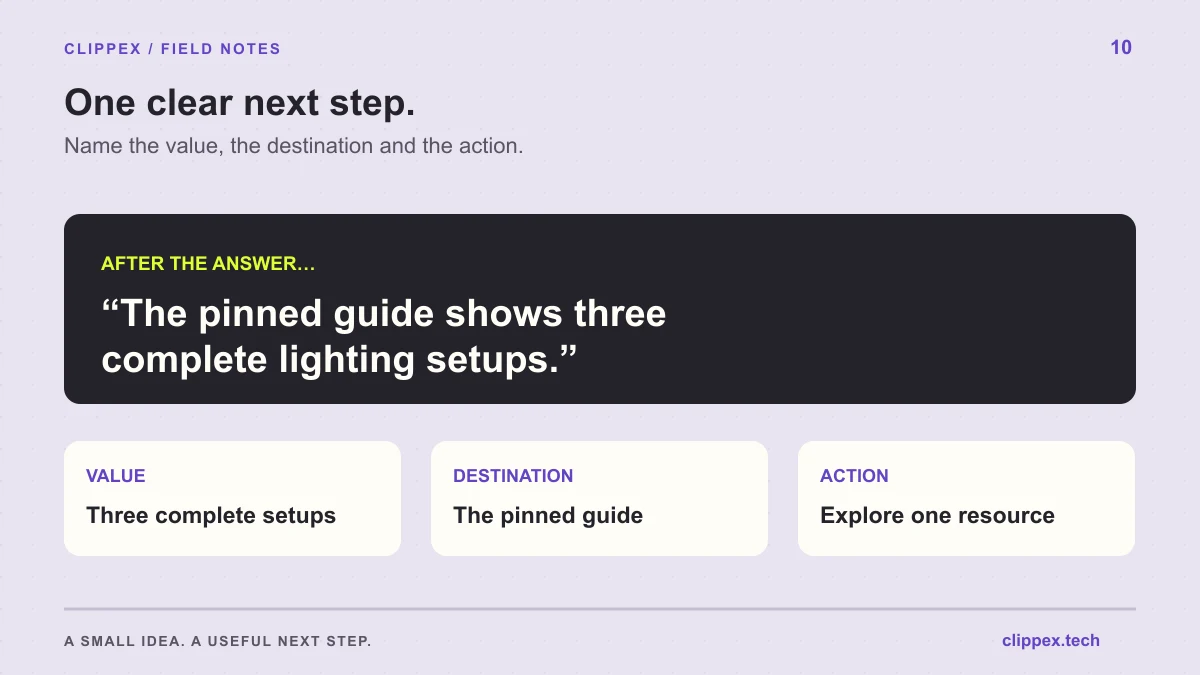
Download your finished clips and publish them in the destination platform. Name the guest and the subject in the post text when that helps a new viewer understand the source. Use the platform's available episode or related-content linking features, checking the destination before publication.
Tell the viewer what the full conversation adds: the complete process, the follow-up questions or the example behind the short answer. Keep the episode easy to find on your profile. After release, collect the questions people ask and use them to guide the next interview or a follow-up clip.